Closed periods
- Paid plan: Dive Resort
Use a closed period for annual closure, renovation or a private buy-out.
-
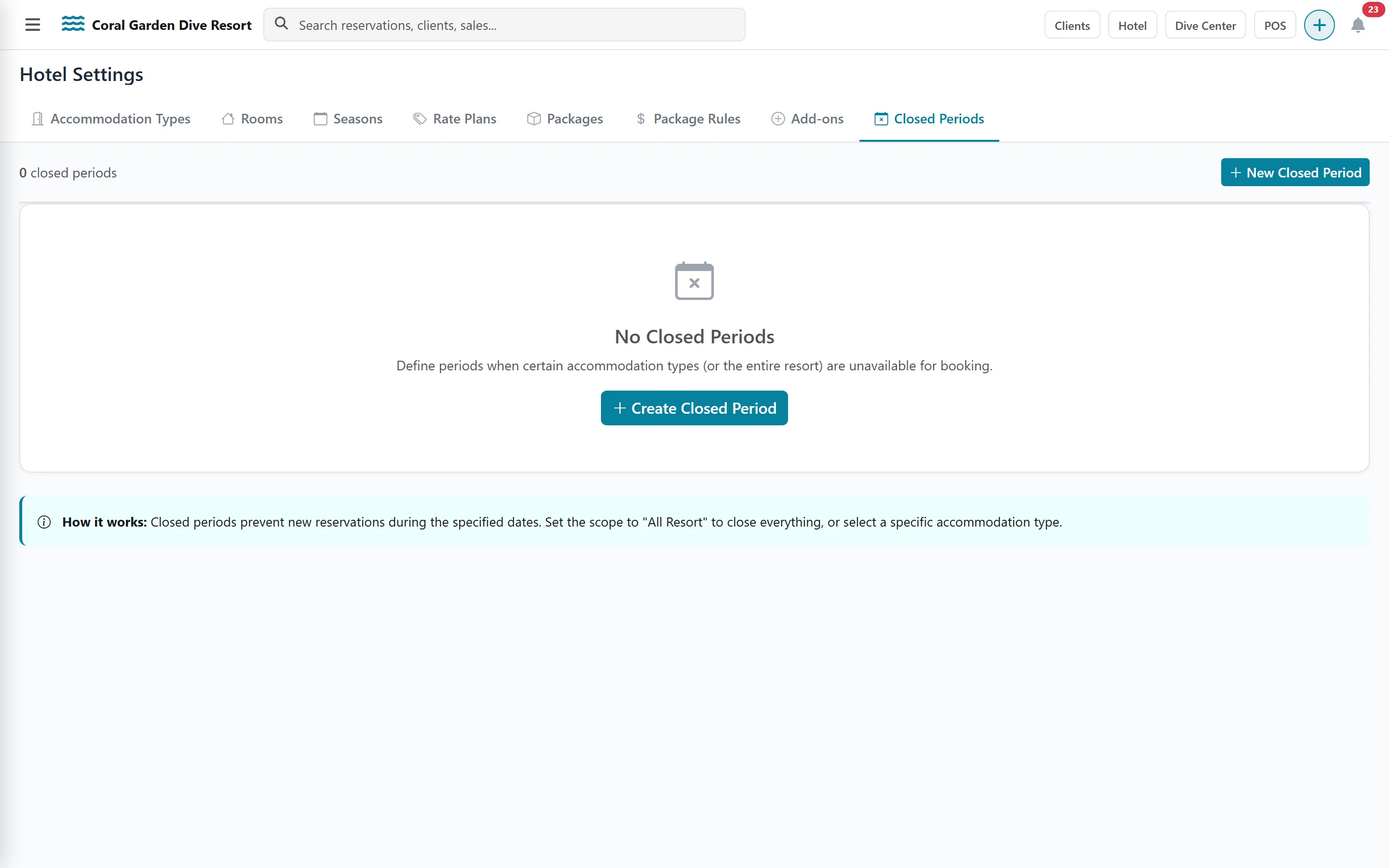
Click the Closed Periods tab and add a period.
-
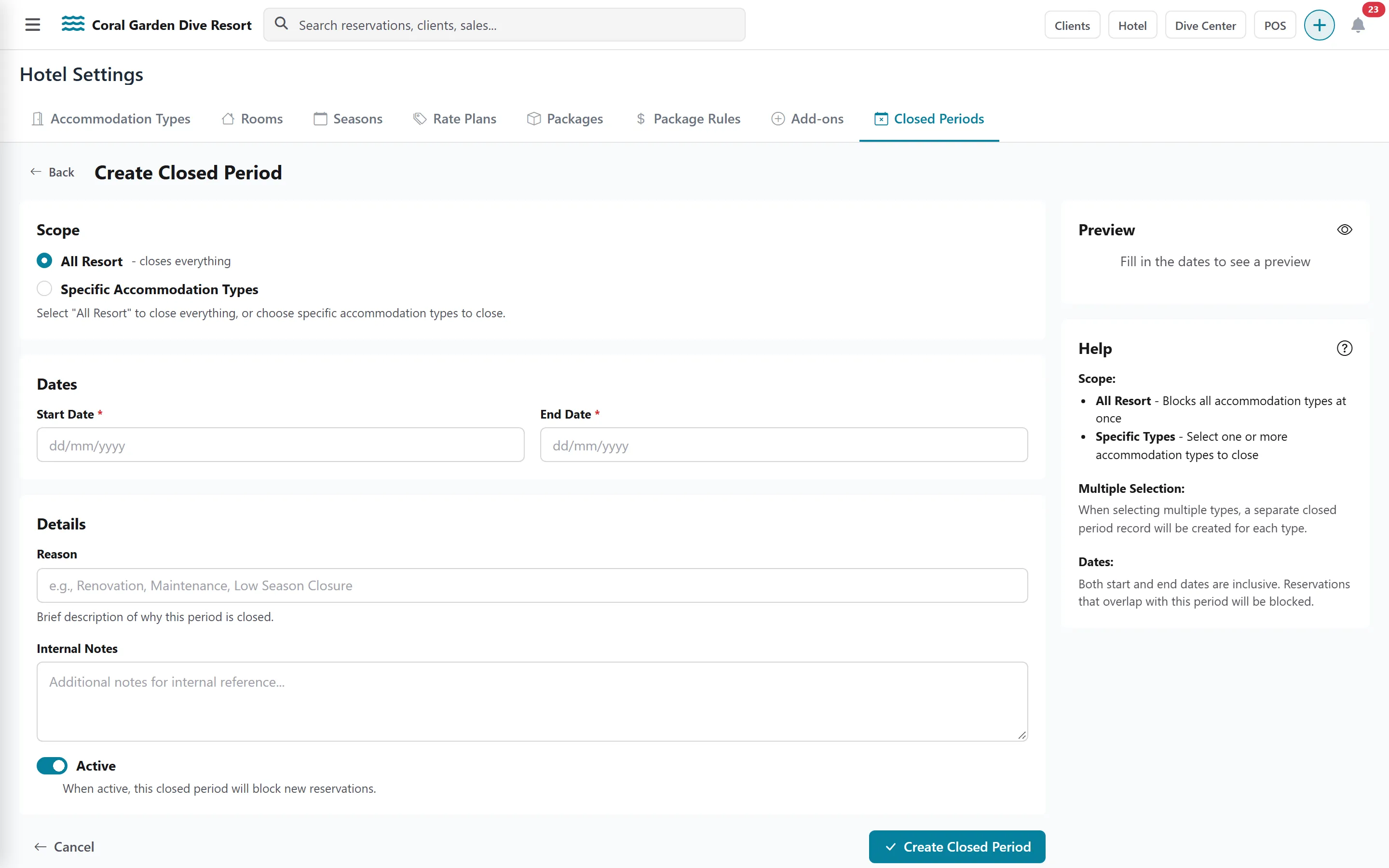
Choose the scope: All Resort, or Specific Accommodation Types (one closed period is created per type you select).
-
Set the Start Date and End Date — both days are included in the closure.
-
Add a Reason and optional Internal Notes.
-
Keep Active ticked: an active closed period blocks new reservations made in the hotel calendar (the reservation window and AUTO ASSIGN). Check the Existing Reservations panel before saving.