
Seasons
- Paid plan: Dive Resort
Create a season
Section titled “Create a season”-
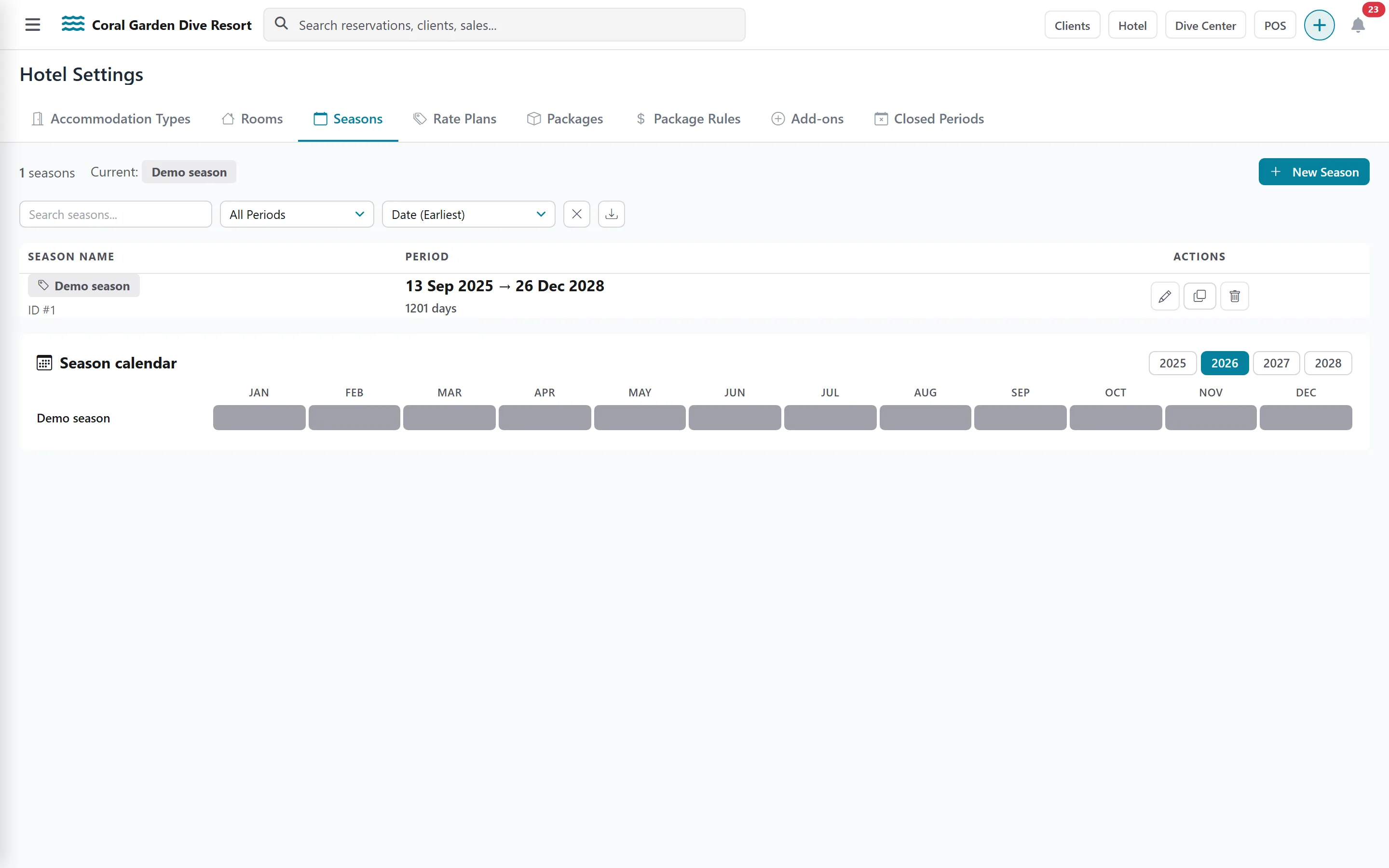
Click the Seasons tab and add a season.
-
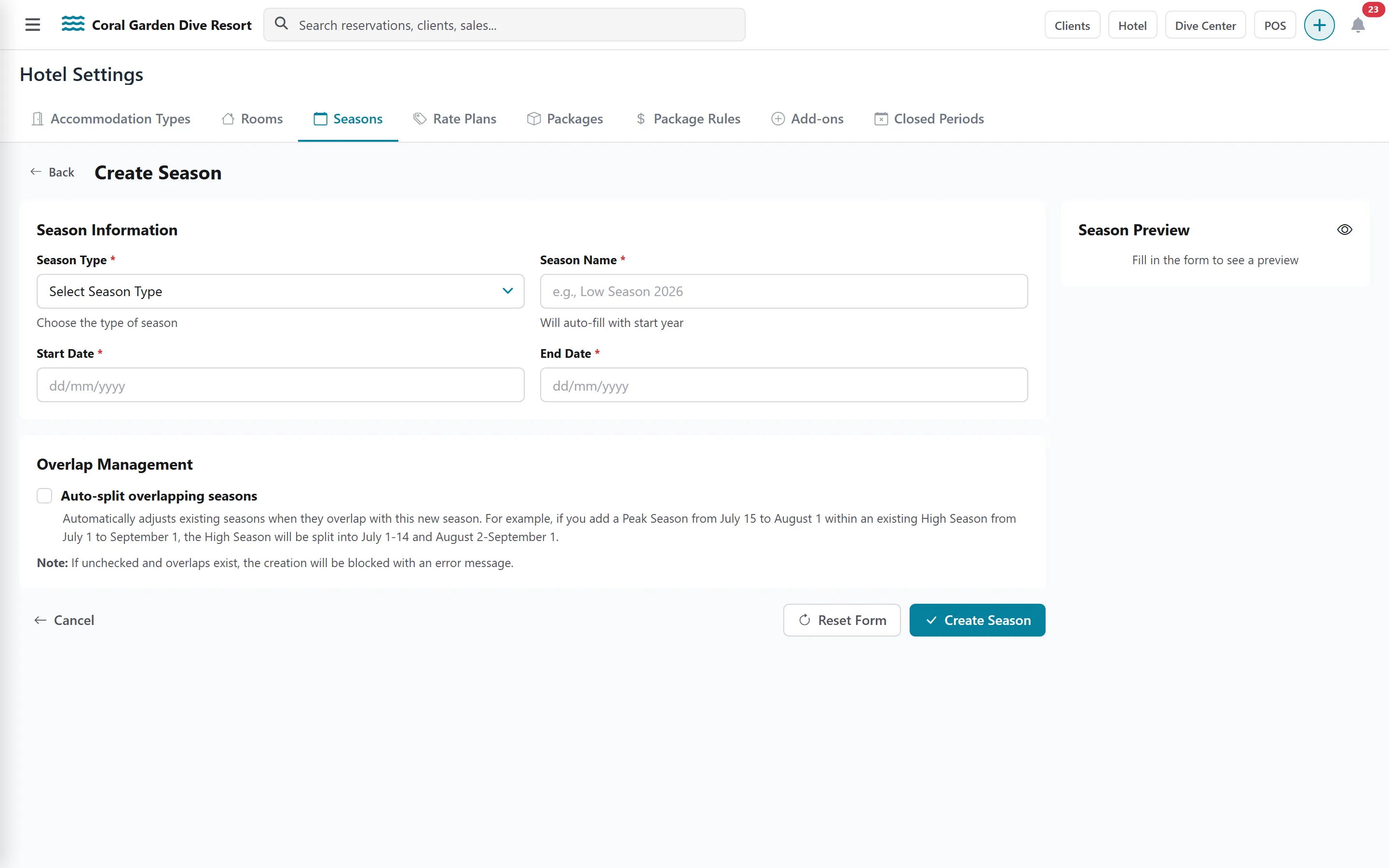
Choose the Season Type: High, Peak, Low, Shoulder or Special Season.
-
Check the Season Name (pre-filled with the year) and set the Start Date and End Date.
-
Save.
Next year in one click: clone a season
Section titled “Next year in one click: clone a season”-
On an existing season, choose Clone.
-
Enter the New Season Name and its dates.
-
Optionally apply a Price Adjustment (%) (for example +5 for next year) and a Rounding rule (to the hundred is recommended).
-
Tick Clone Rate Plans (recommended) and, if you want, Clone Packages. Cloned packages are created inactive, with the same name, so you can review them before selling.
-
Click Clone Season.