
Diving settings
Settings › Diving holds everything about your diving offer. Its tabs are: Activities, Dive Sites, Fleet & Facilities, Departures, Sales channels, Maintenance, Waivers and Add-ons.
Set them up in this order — each step uses the one before:
-
Activities — what you sell and at what price (fun dives, courses, snorkelling…). Full guide: Activities.
-
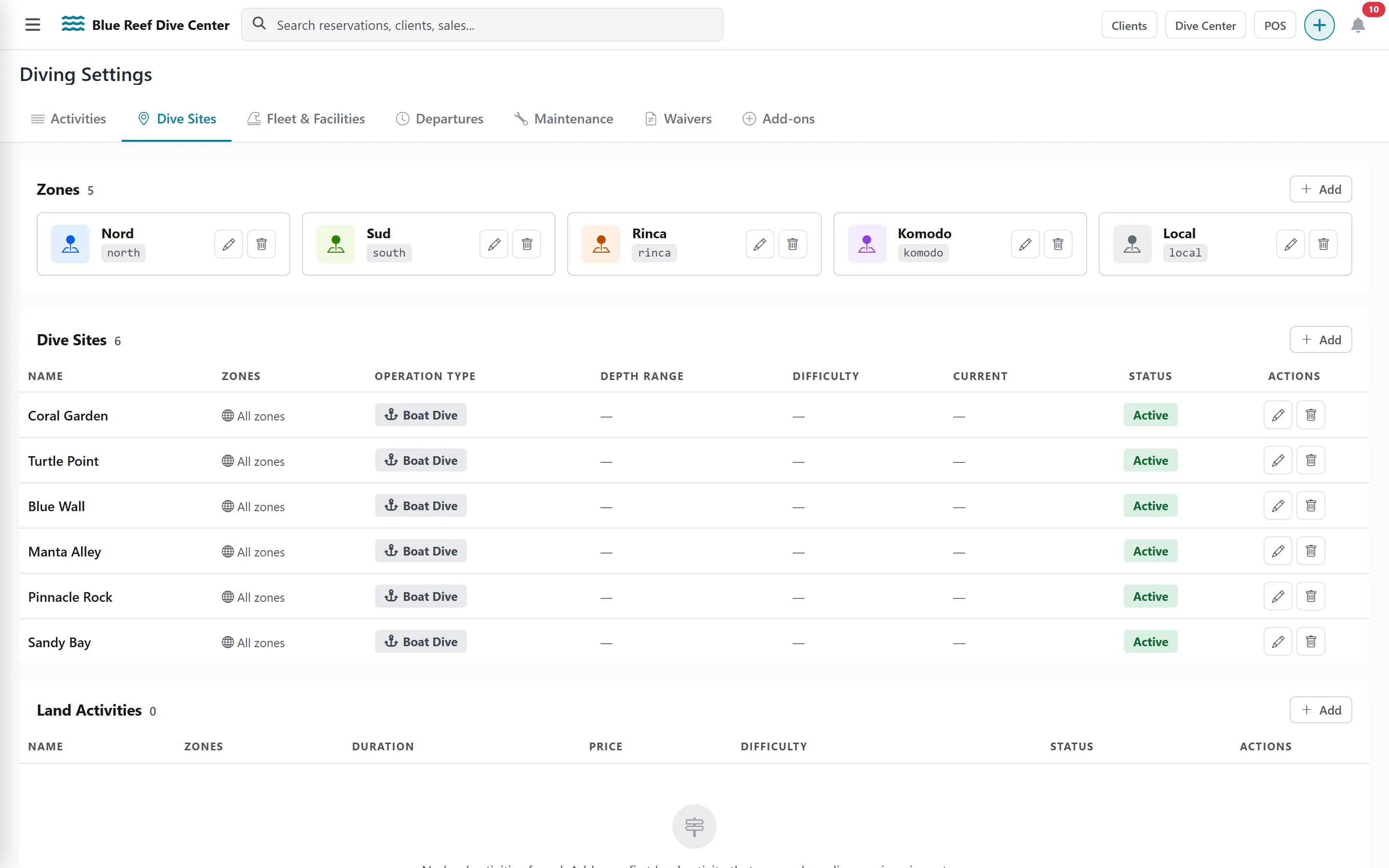
Dive Sites — your sites, grouped by zones. Each site has an Operation Type (Boat Dive, Shore Dive, Pool Session, Classroom or Land Activity) that decides which departures can use it. A site with no zone is available in all zones.
-
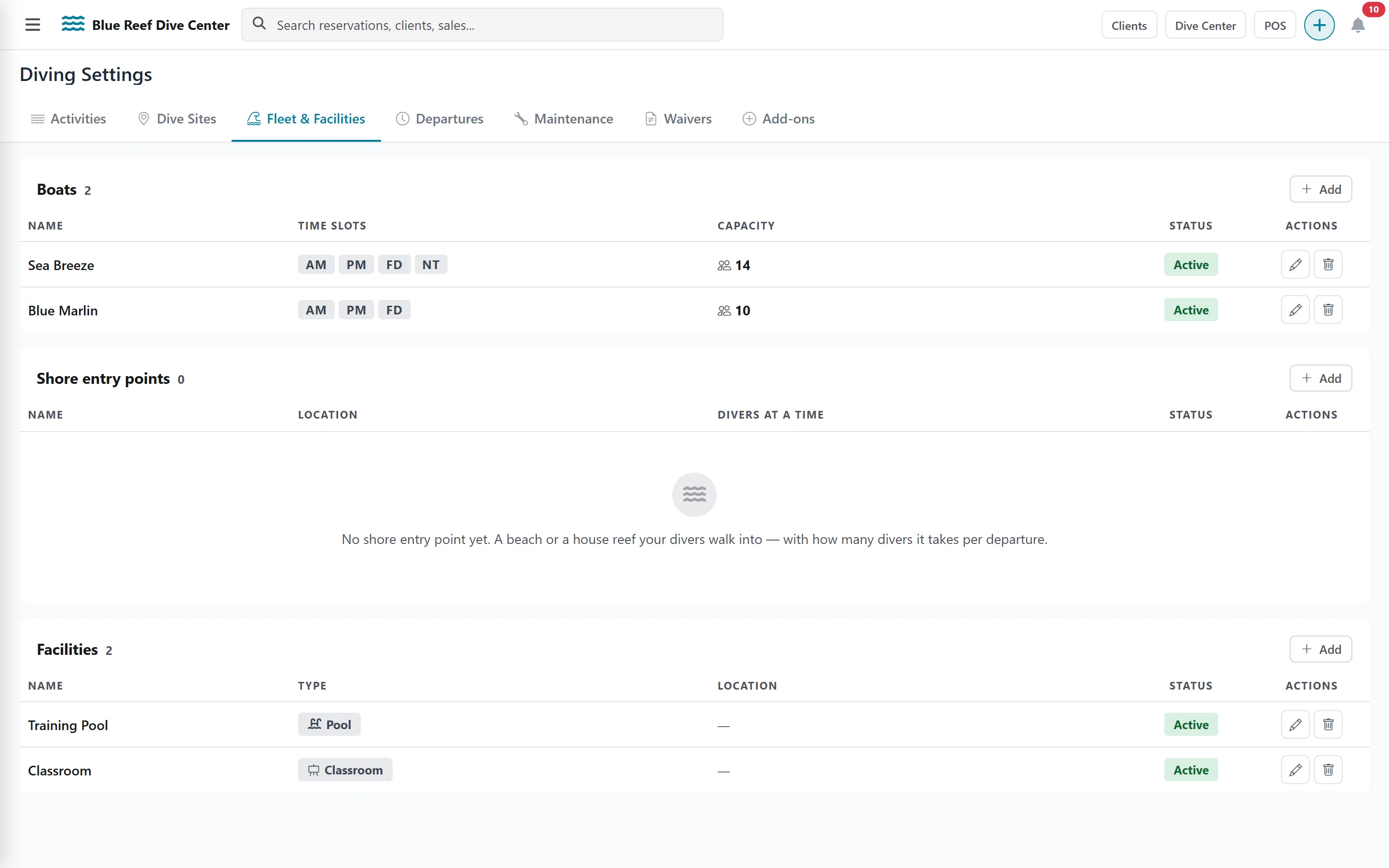
Fleet & Facilities — three lists, each with an Add button:
- Boats: Name, Capacity (maximum divers per time slot, 1–100), the Available Time Slots (Morning, Afternoon, Full Day, Night) and which ones are on by default.
- Shore entry points: name, location and how many Divers at a time (required).
- Facilities: pools and classrooms; Divers at a time is optional (empty = no limit).
-
Departures — when each boat, shore point, pool or classroom goes out, and which activities can use it. Full guide: Departures.