
8. Users & roles
-
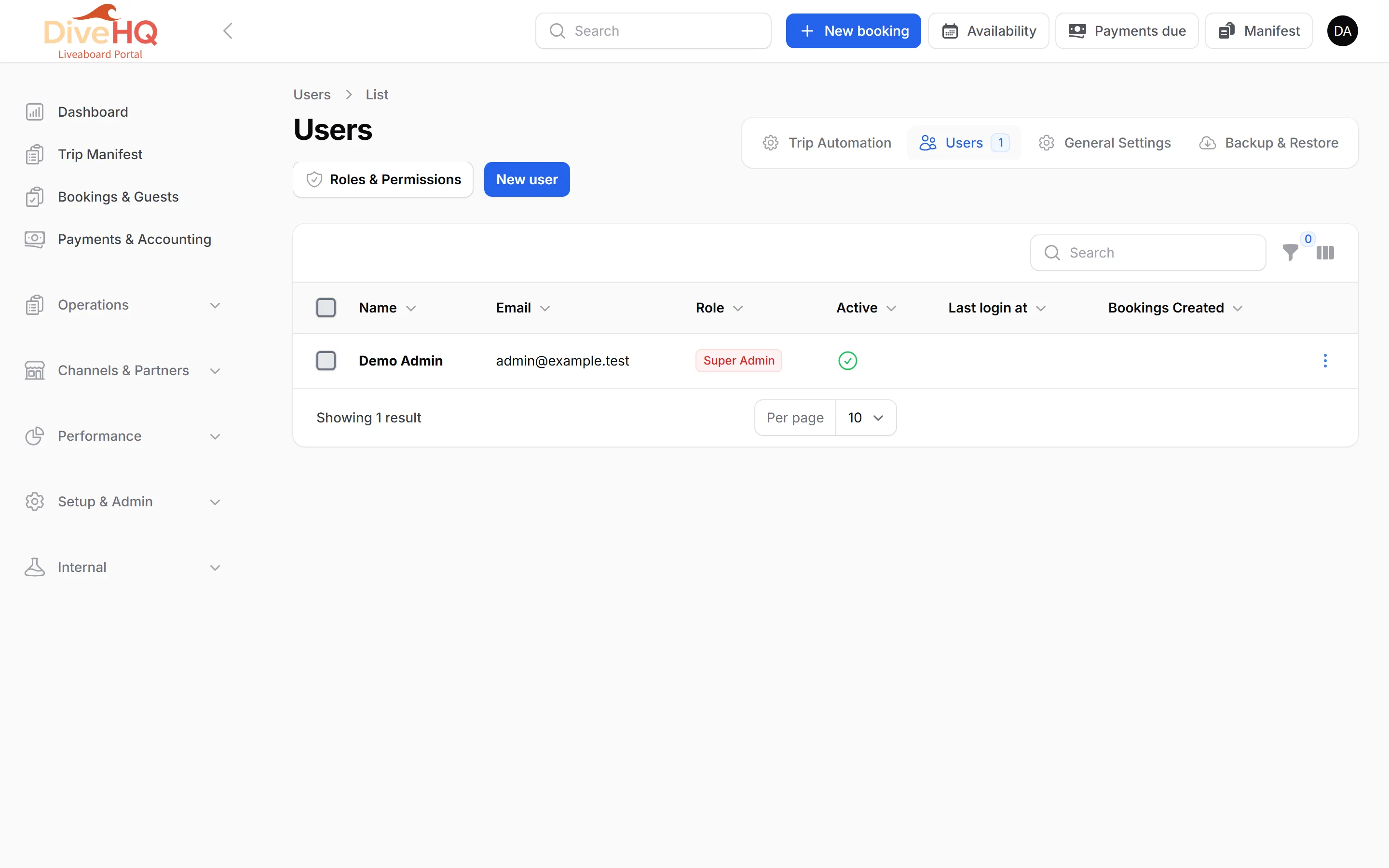
Open Setup & Admin › System Admin › Users, then New user.
-
Enter the Name and Email (must be unique), choose a Role, and set a Password.
-
Keep Active on. An inactive user cannot log in.
-
Save.
| Role | What it can do |
|---|---|
| Super Admin | Everything, including deleting users |
| Admin | Bookings, trips, customers, payments, boats, cabins, itineraries, extras, pricing, agencies, waivers, reports and settings; creates and edits users |
| Fleet Manager | Boats, cabins, itineraries, trips and extras; views bookings |
| Booking Manager | Bookings, customers and divers; records payments; New booking; bar sales |
| Customer Service | Views bookings, trips, customers and divers |
| Accountant | Payments, reports and credit notes; views bookings and customers |
You’re set up. Read the full guides for Trips, Bulk Pricing and Extras & mandatory fees.