
7. Booking widget on your website
- Admin only
-
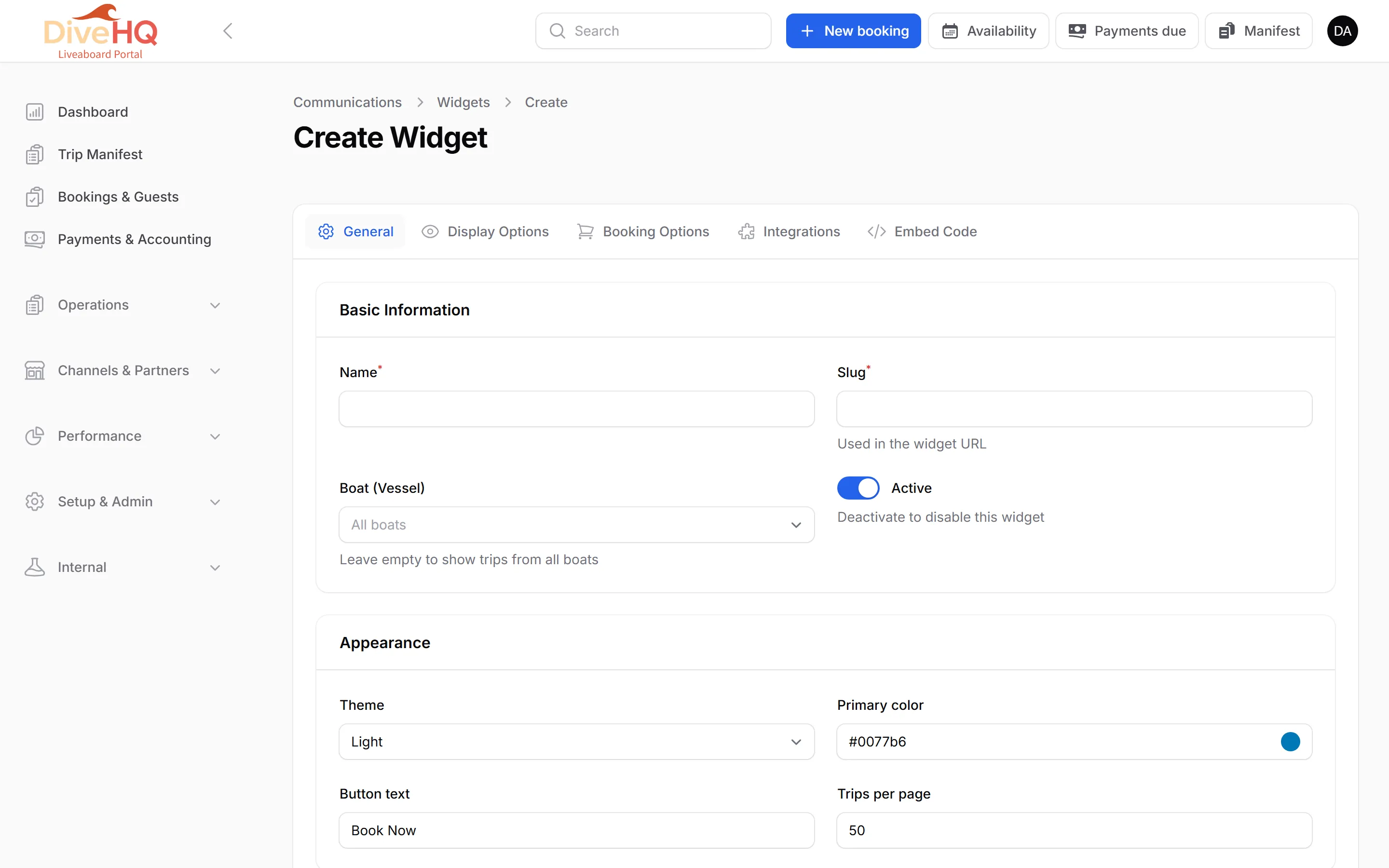
Open Setup & Admin › Communications and click the Booking Widgets tab, then Create Widget.
-
On the General tab, give the widget a Name and a Slug (used in its address). Leave Boat (Vessel) empty to show the trips of all your boats. Choose the Theme and the Primary Color.
-
On Display Options, you can hide the vessel name, hide the filter bar, limit the widget to a date range and set how many trips it lists.
-
On Booking Options, Booking Hold Duration is how long an unpaid online booking holds its places before they are released (30 minutes to 72 hours).
-
Save. Then open the Embed Code tab and click Copy to Clipboard next to the Iframe Embed Code.
-
Paste the code into a page of your website. Open Widget in New Tab shows the result.
Next: 8. Users & roles